Terminal UI
NeuBird Desktop runs as a full-screen terminal application built on Bubbletea.
Layout
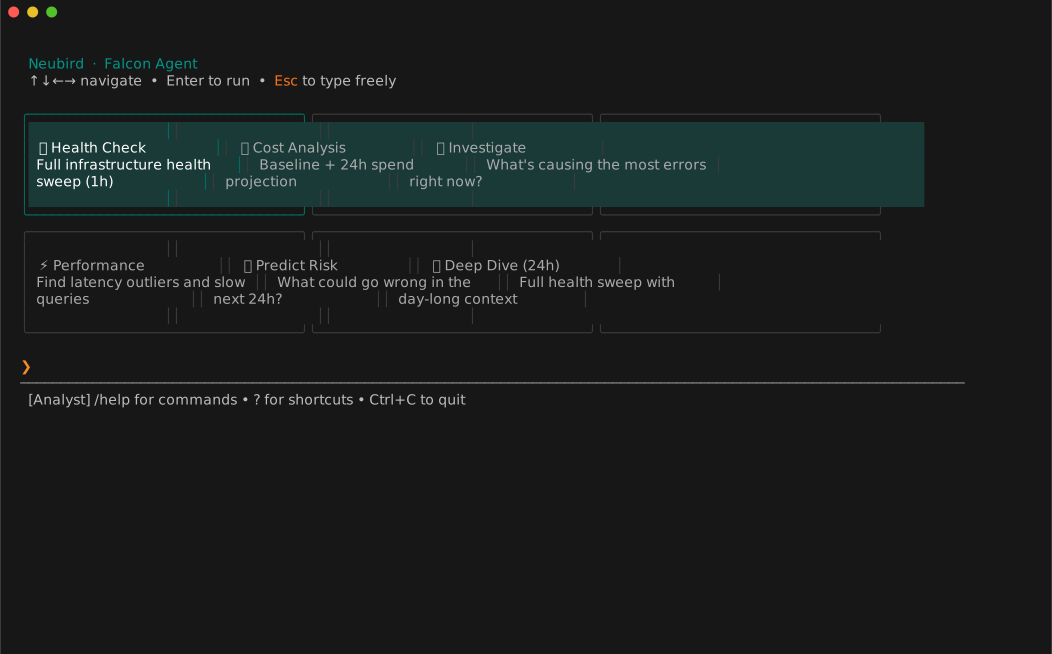
When you connect, the TUI shows:
- Welcome tiles — context-aware starter questions based on your telemetry schema. Use
←→to navigate,Enterto select. - Input bar — type any question or slash command and press
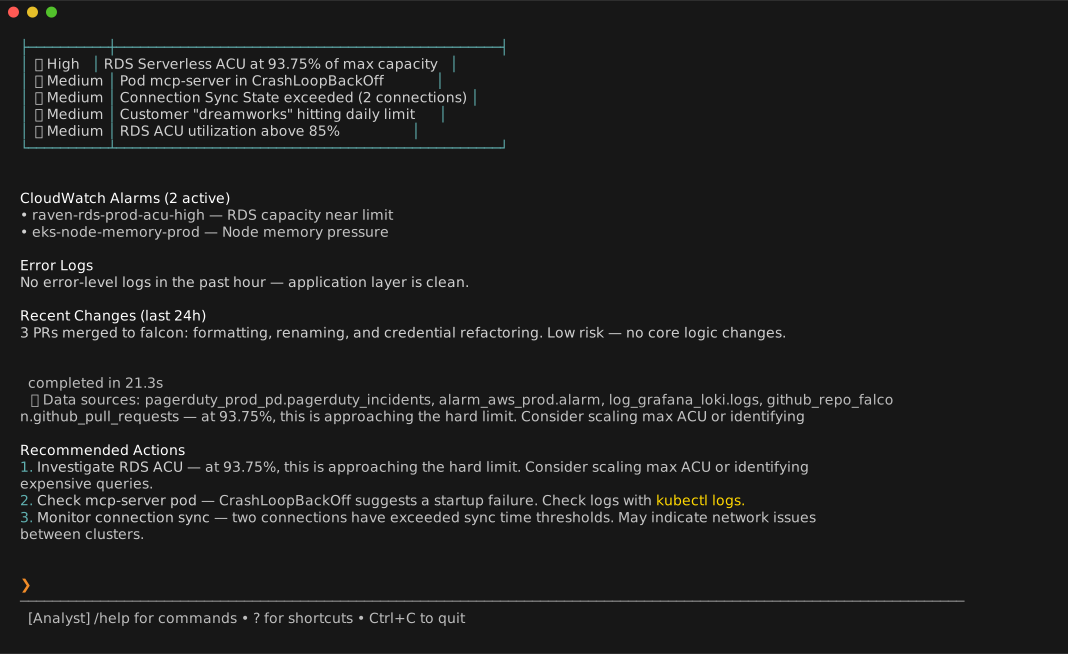
Enterto submit. - Investigation panel — NeuBird streams its analysis here as it runs, showing tool activity, data source queries, and the final answer.
- Status bar — current connection info, active agent persona, and data sources used in the last investigation.
Input history
NeuBird remembers your previous inputs. Use ↑ / ↓ to navigate history, or Ctrl+R to search it.
Cancelling an investigation
Press Esc to cancel an in-progress investigation. The model stops at the next safe point.
Quitting
Press Ctrl+C twice, or type /quit.
Dark and light terminal support
The TUI adapts its color palette to your terminal's background. No configuration required.
Session persistence
NeuBird saves your last-used namespace, service, and database in ~/.config/neubird/state.json. The next time you run neubird --reconnect, it restores this context without prompting.
Investigation Output
After the analysis completes, NeuBird renders a formatted summary with tables and recommended actions: