Quickstart
This guide walks you through connecting NeuBird Desktop to your account and running your first investigation.
Step 1: Log in
neubird login https://yourcompany.app.neubird.ai
NeuBird prompts for your email and password:
Username/Email: alice@yourcompany.com
Password: ********
Your credentials are saved locally. You only need to log in once.
Step 2: Launch
neubird
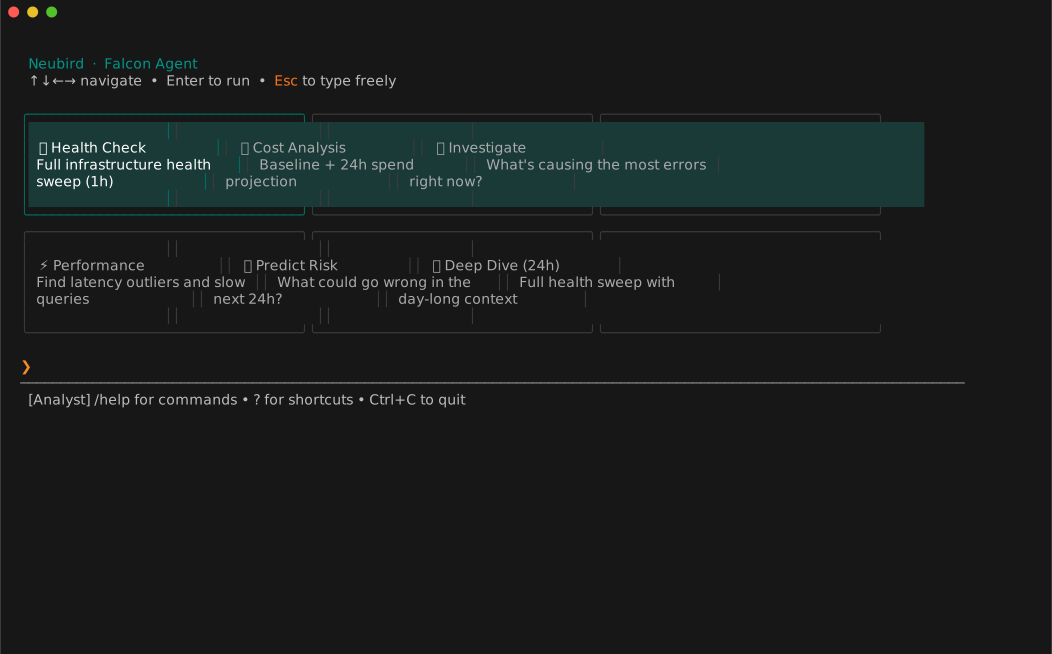
NeuBird connects to your telemetry environment, discovers your schemas, and drops you into the interactive terminal. You'll see context-aware welcome tiles — starter investigations tailored to your data sources.
Use ← → to browse tiles, or just start typing a question.
Step 3: Ask a question
Type any question and press Enter:
> What services have the highest error rates right now?
NeuBird queries your telemetry data, shows each tool call as it runs, and produces a written analysis with evidence and recommended actions.
Step 4: Run a health sweep
/health
This runs a full infrastructure health check with a 1-hour lookback window and produces a structured Good/Bad/Ugly report. Use /health 4h for a longer window.
Reconnecting
NeuBird remembers your last session. To reconnect quickly:
neubird --reconnect
Next steps
- Slash commands reference —
/health,/cost,/agent, and more - Switch agent personas — Responder, Analyst, Architect
- Keyboard shortcuts